QSMART · DOHA, QATAR
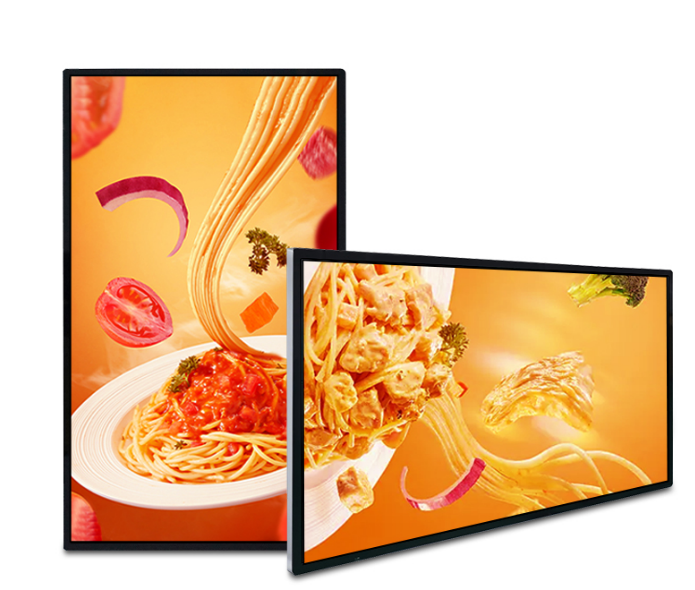
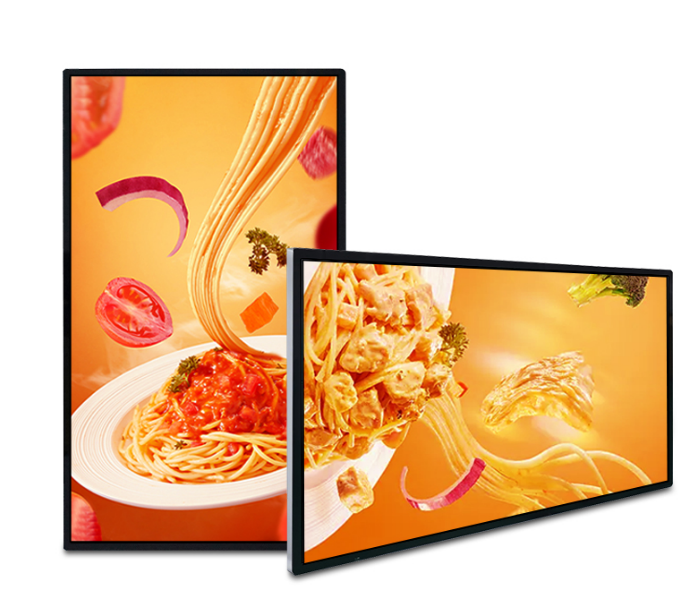
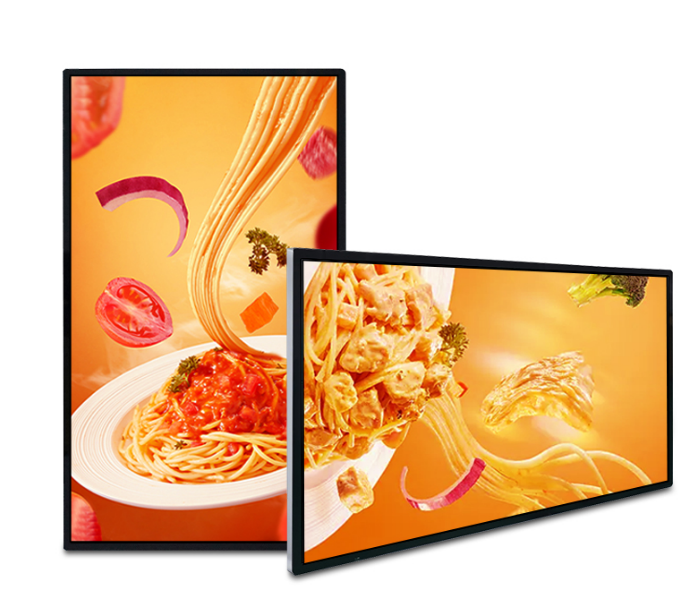
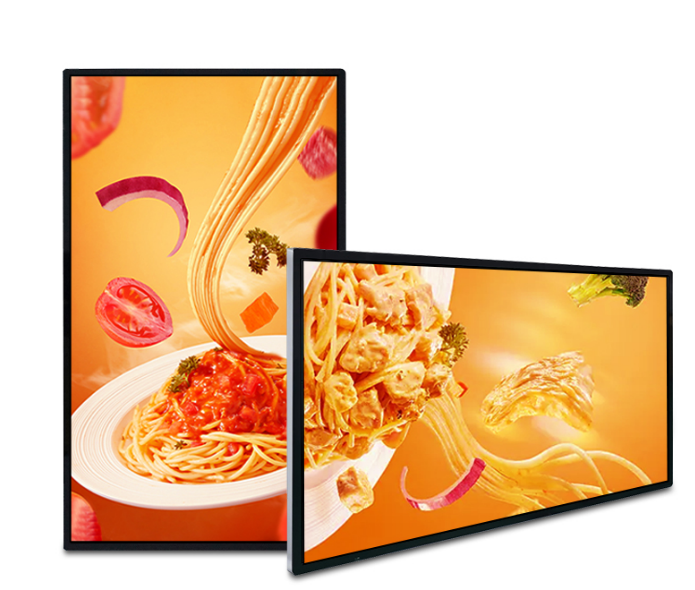
18.5-inch Wall-Mounted LCD Display
Wall Mounted LCD display. Choose from 10 configurations.
Choose options & view priceSelect your configuration, then enter your company details to see its QAR price.
Need help choosing? Contact QsmartConfigure your display
Select the options you need. Pricing applies to your exact configuration.
Full specifications
Display class: Standard resolution Display size: 18.5 inch Touch: No Touch Operating system / processor: Android 11 RK3566S Memory: 2GB RAM + 32GB storage Indoor wall mounted LCD screen display Resolution: 1920×1080 Brightness:350-450cd/m2 Frame color: Black/Silver Connectivity / WIFI / LAN Interfaces: USB, HDMI out, RJ45, etc Surface: Tempered glass Language: English Accessory: power cable warranty card,remote control Includes CMS software with lifetime use. Content management: Cloud-based Content Management System (CMS) Mobile control: iOS and Android apps for managing digital signage content on mobile devices Offline playback: USB drive (U disk) / SD card Screen layout: Split-screen content display
Planning this display for your space
Wall-mounted and shelf displays keep information close to the products or services it describes. Measure the usable surface, mounting depth and viewing angle before choosing the panel.
Surface and bracket
Confirm the wall material, bracket pattern and complete display weight. Have the installer assess fixing points rather than relying on panel dimensions alone. Leave enough access to disconnect and service the display.
Cable routing
Plan power and data before decoration or joinery is completed. Check connector clearance behind the screen and avoid cable bends that push it away from the mount. Include access to any external media player.
Resolution and layout
For a stretched shelf screen, design content for its unusual aspect ratio. For menus and information boards, test the smallest text from the actual viewing position. Verify portrait support if the display will be rotated.
Operation and updates
Confirm the supported operating schedule and content update method. Assign responsibility for replacing expired offers. For multiple screens, compare central management with local updates and document which costs are recurring.
Questions to confirm before ordering
Can the display sit flush against any wall?
Mounting depth depends on the bracket, connectors and required ventilation. Use the manufacturer’s mounting instructions and the installer’s site assessment to confirm clearance.
What is included in installation and support?
Ask for mounting, cabling, delivery, commissioning, software setup and warranty terms to be listed in the quotation. Coverage varies by product and project; confirm the agreed scope before payment.