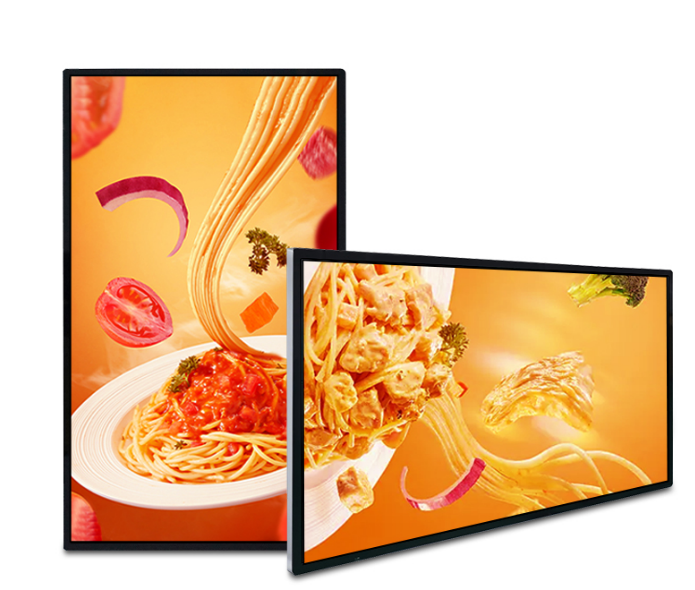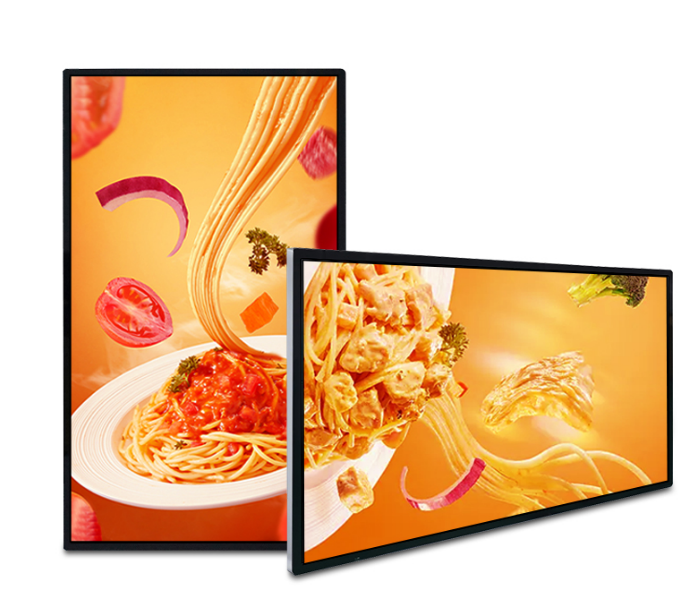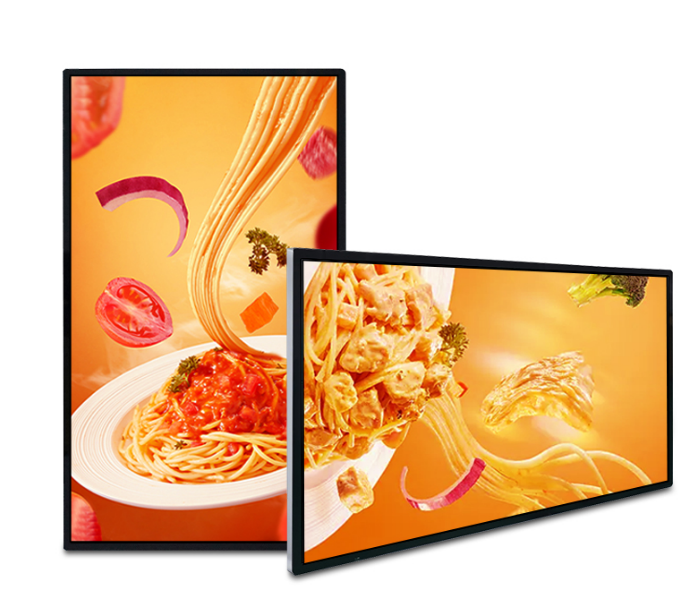
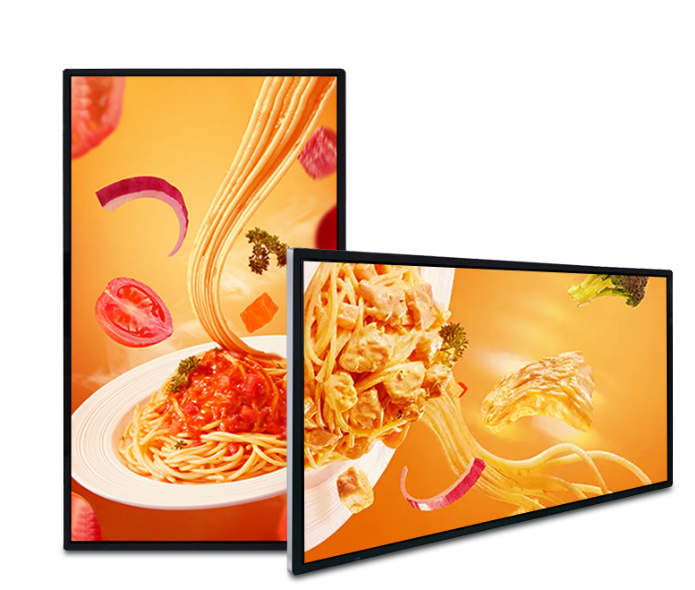
Wall-mounted digital signage saves floor space and keeps messages visible. Qatar retailers use it for campaigns and product information, while restaurants, hotels, clinics and offices use it for menus, directions and announcements.
Measure before choosing a screen
Screen size should match the viewing distance and available wall area. Confirm portrait or landscape orientation, mounting height, power, data connection and safe service access before installation.
Match resolution and content
Small screens used at close range benefit from clear text and simple layouts. Larger 4K-capable displays suit detailed imagery and broader viewing areas. Keep important content readable and avoid overcrowded designs.
Commercial operation
Ask about scheduled operating hours, brightness, Android configuration, touch options, ports and content management. Each Qsmart size is presented as a separate product so buyers can compare only the configurations available for that exact panel.
Check the installation as a whole
| Element | Measure or record | Why it matters |
|---|---|---|
| Wall and bracket | Material, load and fixing pattern | Defines the mounting approach |
| Screen position | Height, glare and viewing angle | Affects readability |
| Services | Power, data and connector access | Affects installation depth and maintenance |
A planning example
For a menu board behind a counter, test the menu from the customer’s position rather than the staff side. Keep items and prices readable without forcing every message onto one slide. If several screens form a row, agree alignment and whether one player or separate players control them. Have the installer check the route for replacing a screen without dismantling nearby joinery.
Practical planning checklist
Wall-mounted and shelf displays keep information close to the products or services it describes. Measure the usable surface, mounting depth and viewing angle before choosing the panel.
Surface and bracket
Confirm the wall material, bracket pattern and complete display weight. Have the installer assess fixing points rather than relying on panel dimensions alone. Leave enough access to disconnect and service the display.
Cable routing
Plan power and data before decoration or joinery is completed. Check connector clearance behind the screen and avoid cable bends that push it away from the mount. Include access to any external media player.
Resolution and layout
For a stretched shelf screen, design content for its unusual aspect ratio. For menus and information boards, test the smallest text from the actual viewing position. Verify portrait support if the display will be rotated.
Operation and updates
Confirm the supported operating schedule and content update method. Assign responsibility for replacing expired offers. For multiple screens, compare central management with local updates and document which costs are recurring.
Questions to confirm before ordering
Can the display sit flush against any wall?
Mounting depth depends on the bracket, connectors and required ventilation. Use the manufacturer’s mounting instructions and the installer’s site assessment to confirm clearance.
What is included in installation and support?
Ask for mounting, cabling, delivery, commissioning, software setup and warranty terms to be listed in the quotation. Coverage varies by product and project; confirm the agreed scope before payment.