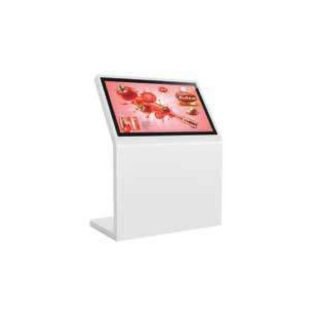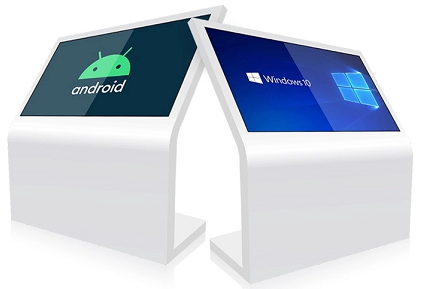
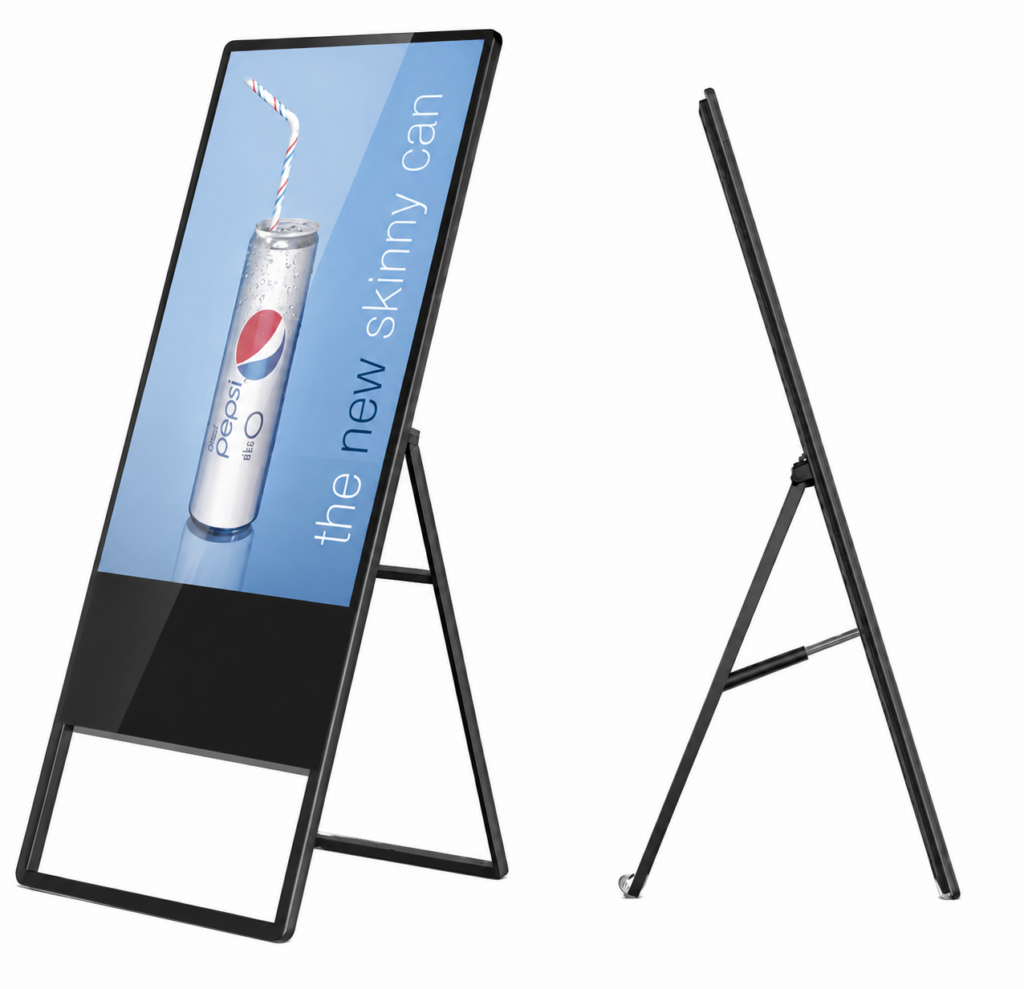
Floor-standing digital kiosks place content at eye level without requiring a permanent wall installation. They work well in retail entrances, hotel lobbies, reception areas, exhibitions and corporate spaces across Doha.
Choose the right format
Standard portrait kiosks suit directories, promotions and announcements. A-frame designs can attract attention from both sides of a walkway. Double-sided models provide two viewing directions, while full-screen designs give creative content more visual impact.
Plan the content workflow
Confirm whether staff will update content using a content management system, local USB, network connection or another platform. Check portrait resolution, Wi-Fi or LAN access, input ports and storage.
Touch or non-touch?
Non-touch is normally sufficient for advertising. Touch adds value for directories, registration, product lookup and self-service. Select each option on the Qsmart product page to see the matching specification and request its individual price.
Choose a kiosk by the task
| Use | Starting format | Check |
|---|---|---|
| Promotions | Portrait non-touch kiosk | Viewing angle and content updates |
| Visitor directory | Touch kiosk | Accessible controls and application scope |
| Two-way foot traffic | Double-sided display | Independent playback and cabinet footprint |
A planning example
For an event registration area, distinguish an advertising loop from an interactive registration application. The first needs clear content and reliable playback; the second also needs data handling, a connection plan and staff support if the application fails. Confirm whether the unit is rented or purchased, how it is transported and who performs setup. These are planning questions, not included services unless the quotation says so.
Practical planning checklist
Floor-standing displays can introduce promotions, directions and visitor information in shops, reception areas and events. Match the cabinet footprint and screen orientation to the space available.
Placement and circulation
Mark the complete cabinet footprint on the floor before ordering. Check that people can pass comfortably and that doors, reception desks and emergency routes remain accessible. Include cables and any base plate in the layout.
Orientation and content
Prepare a sample portrait design at the proposed resolution. Check how photographs, maps and bilingual text fit without stretching. For a double-sided display, agree whether the two faces show independent content or mirror each other.
Stability and delivery
Ask for overall dimensions, weight and fixing requirements. Check the delivery route, lift dimensions and final positioning method. A floor-standing cabinet should not be assumed portable simply because it is free-standing.
Daily updates
Identify who uploads content and how the display reconnects after a network outage. Ask which content software is included, which features require a subscription and whether remote updates need an internet connection.
Questions to confirm before ordering
Should a promotional kiosk have touch?
Touch is useful when visitors need to select information or complete a task. For a repeating promotion or announcement, a non-touch display may provide a simpler workflow.
What is included in installation and support?
Ask for mounting, cabling, delivery, commissioning, software setup and warranty terms to be listed in the quotation. Coverage varies by product and project; confirm the agreed scope before payment.