QSMART · DOHA, QATAR
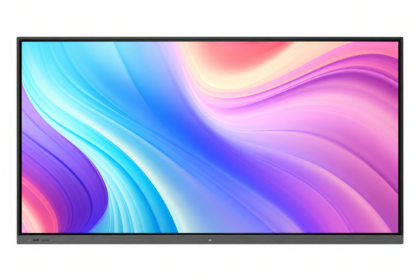
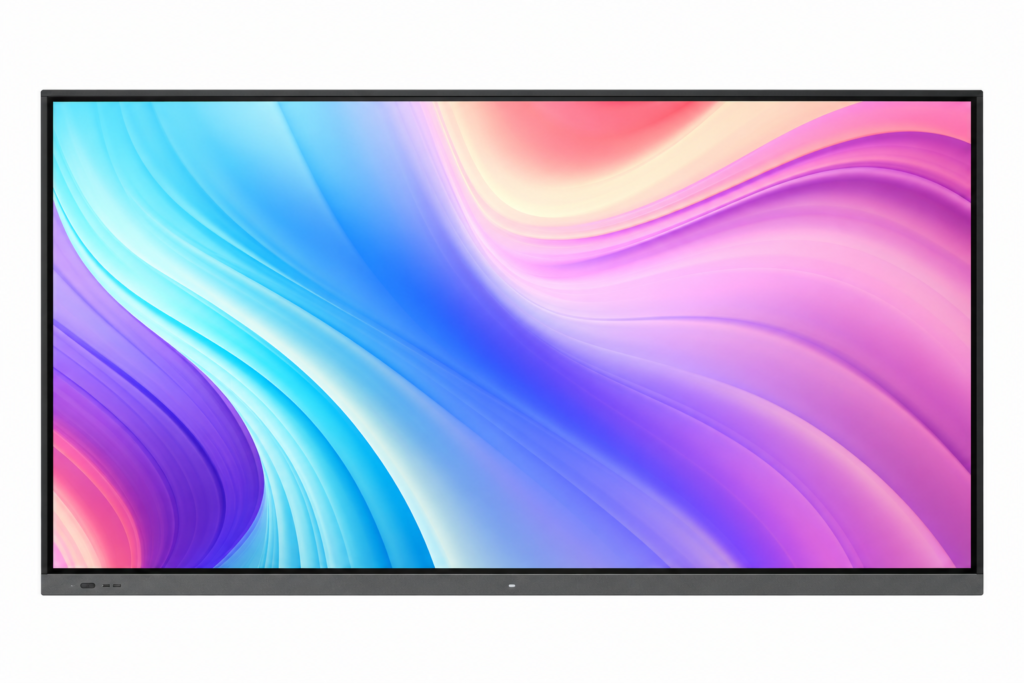
85-inch Interactive Smart Display
85 inch 4K UHD IR touch display. Android 13, 4GB RAM and 32GB storage. One touch pen included. Choose optional accessories below.
Choose options & view priceSelect your configuration, then enter your company details to see its QAR price.
Need help choosing? Contact QsmartDisplay size: 85 inch
Resolution: 3840 × 2160 (4K UHD)
Touch: IR touch
Tempered glass
Brightness: 400 cd/m²
System: Android 13
Memory: 4GB RAM + 32GB storage
Included accessory: 1 touch pen
Windows OPS, floor stand, wireless dongle and camera with microphone are optional.
The optional floor stand is not included in the base price.
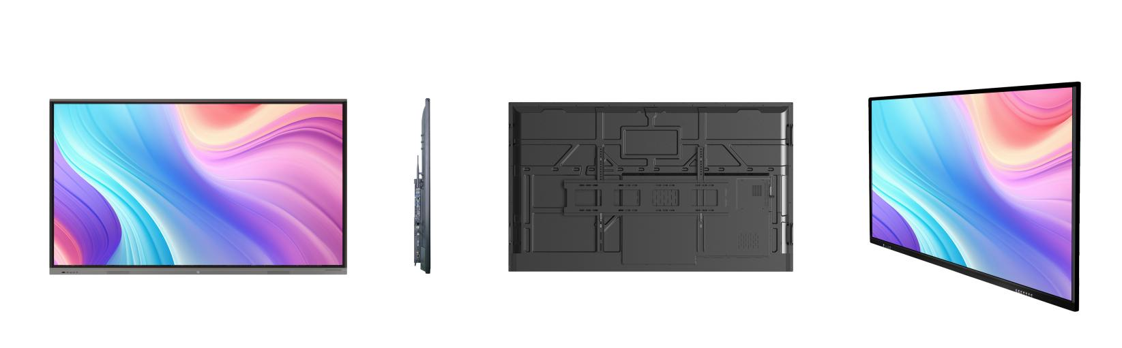
Explore the display from every side
See the front, slim side profile, rear panel and angled view of this model. Select an image to view it at full size.
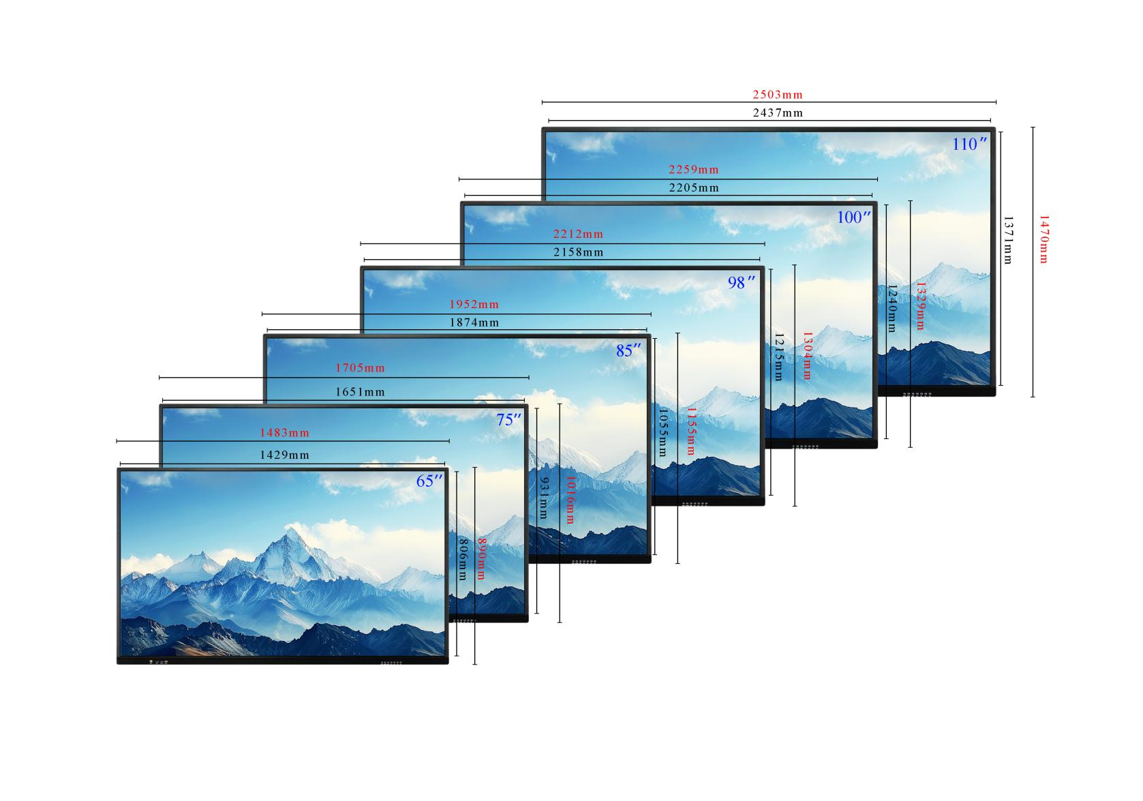
View screen size and dimension guide
Configure your display
Select the options you need. Pricing applies to your exact configuration.
Full specifications
Display class: 4K UHD Display size: 85 inch Resolution: 3840 × 2160 (4K UHD) Touch: IR touch Tempered glass Brightness: 400 cd/m² System: Android 13 Memory: 4GB RAM + 32GB storage Included accessory: 1 touch pen Windows OPS, floor stand, wireless dongle and camera with microphone are optional. The optional floor stand is not included in the base price.
Planning this display for your space
Interactive whiteboards suit presentations, teaching and collaborative work. Start with room dimensions, viewing distance and the applications your team needs to run, then compare touch and computer options.
Room layout
Measure the distance from the display to the furthest seat. Test a typical presentation slide with the smallest text you expect to use. A large panel can still be difficult to read if the layout is crowded or glare falls across the screen.
Applications and devices
List the laptops, conferencing tools and teaching applications that must work. Confirm Android compatibility and whether a separate Windows module or external computer is required. Treat app licences and subscriptions as separate items unless the quotation includes them.
Touch and meetings
Try writing, erasing and moving objects with the intended software. Check whether touch data needs a separate USB cable when using an external laptop. For hybrid meetings, assess camera position, microphone pickup and speakers independently of screen size.
Installation and handover
Confirm wall strength, bracket compatibility and a comfortable writing height. For a mobile stand, check load rating, wheel locks and safe movement between rooms. Ask the installer to demonstrate input switching and the recovery process before handover.
Questions to confirm before ordering
Does an interactive display replace every meeting-room device?
Only if its quoted configuration includes the camera, microphones, computer and software your workflow needs. Check those items individually and test with your actual conferencing platform.
What is included in installation and support?
Ask for mounting, cabling, delivery, commissioning, software setup and warranty terms to be listed in the quotation. Coverage varies by product and project; confirm the agreed scope before payment.