QSMART · DOHA, QATAR
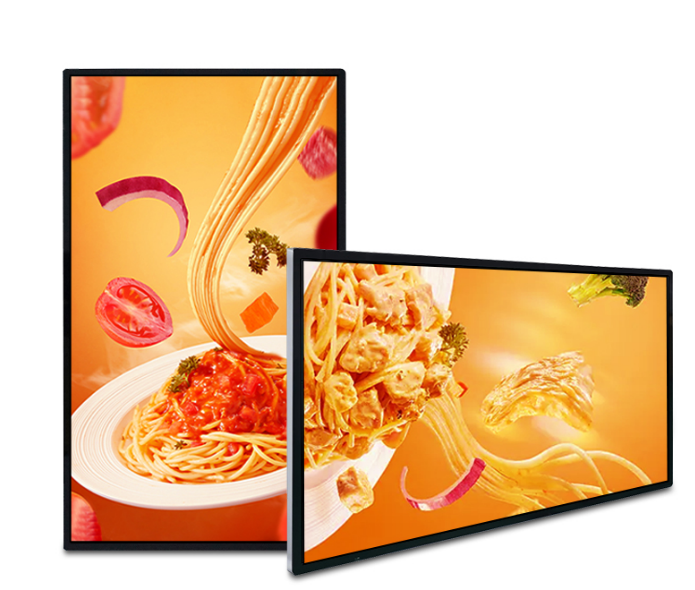
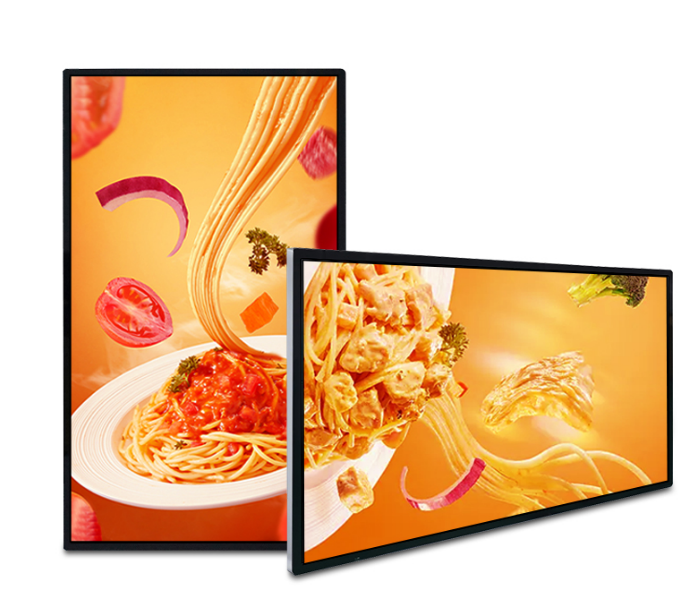
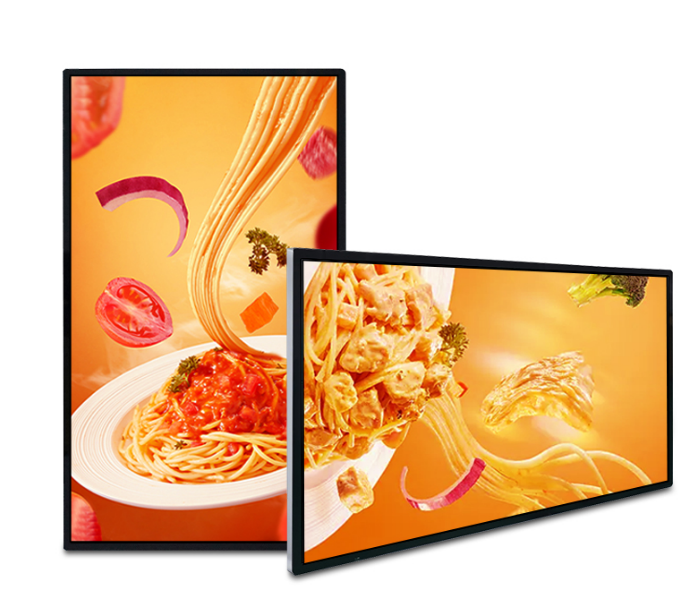
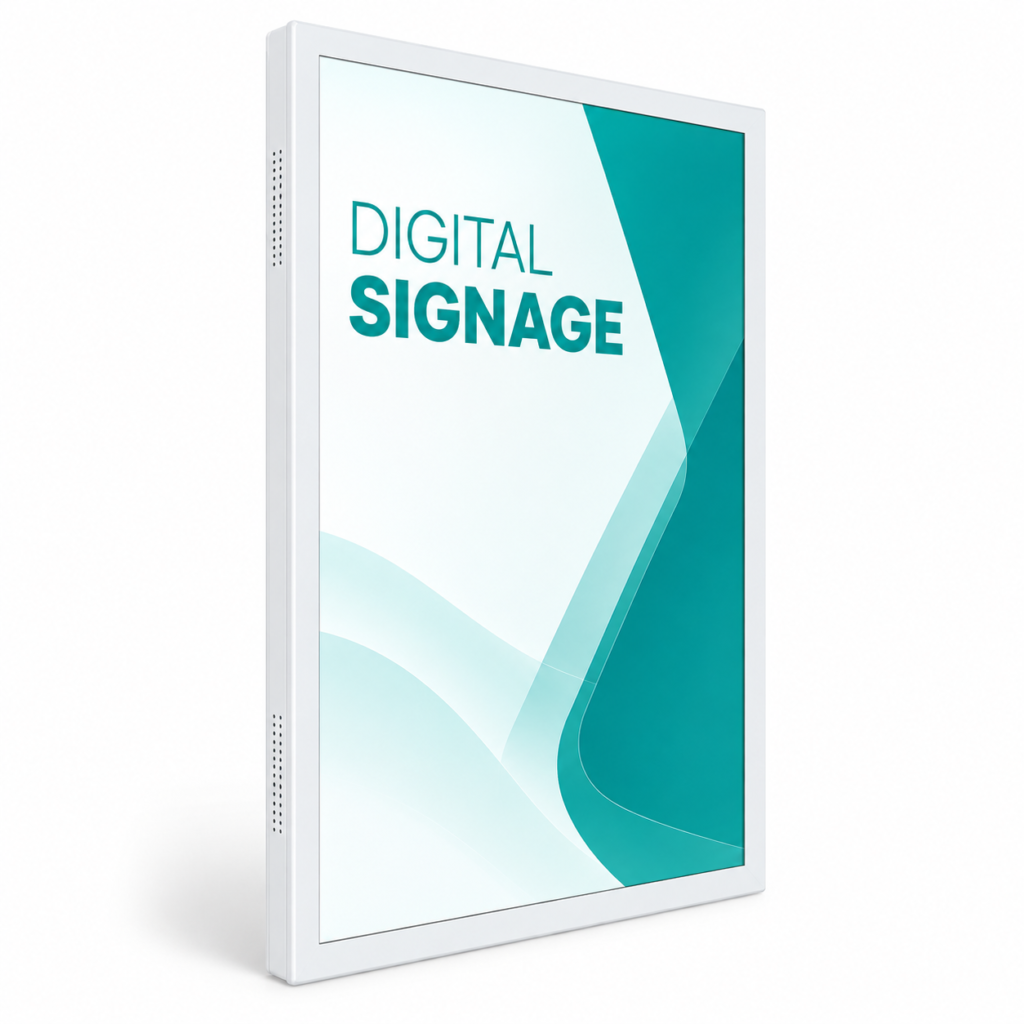
27-inch Flat-Screen Digital Signage
Wall Mounted LCD display. Choose from 5 configurations.
Choose options & view priceSelect your configuration, then enter your company details to see its QAR price.
Need help choosing? Contact QsmartConfigure your display
Select the options you need. Pricing applies to your exact configuration.
Full specifications
Display class: Standard resolution Display size: 27 inch Touch: No Touch Operating system / processor: Android 11 RK3566S Memory: 2GB RAM + 32GB storage Indoor wallpaper display Resolution: 1920×1080(2K); 3840x2160(4K) Brightness: 500cd/m2 Frame color: black AC 110-240V 50/60Hz Connectivity WIFI / LAN Interfaces: USB, HDMI, RJ45 Language: English Accessory: power cable warranty card,remote control Includes CMS software with lifetime use. Content management: Cloud-based Content Management System (CMS) Mobile control: iOS and Android apps for managing digital signage content on mobile devices Offline playback: USB drive (U disk) / SD card Screen layout: Split-screen content display
Planning this display for your space
Start with the job the display needs to do, then compare hardware and installation together. A useful quotation identifies the exact configuration and who is responsible for each part of the project.
Write a short brief
Record the location, intended audience, screen orientation, approximate size and operating schedule. Include photographs and the viewing distance. Describe whether visitors only watch content or need to interact with it.
Separate included and optional items
Ask for the display, mount, computer, software, delivery and installation to be identified clearly. List recurring licences separately from one-time costs. Compare quotations against the same brief so missing items are visible.
Plan the site
Check the access route, mounting surface, power and network availability. Qatar indoor and exterior locations can present very different environmental conditions; verify the exact model’s operating limits for the chosen position.
Agree acceptance and support
Define the content and connection tests required at handover. Confirm the warranty period, exclusions, service process and contact details in writing. Keep the product identifier, approved configuration and quotation together for future support.
Questions to confirm before ordering
What should I send when requesting a quotation?
Share the intended location, screen type or size, quantity, viewing distance, content source and installation requirements. If those are undecided, start with photographs and a description of the job.
What is included in installation and support?
Ask for mounting, cabling, delivery, commissioning, software setup and warranty terms to be listed in the quotation. Coverage varies by product and project; confirm the agreed scope before payment.