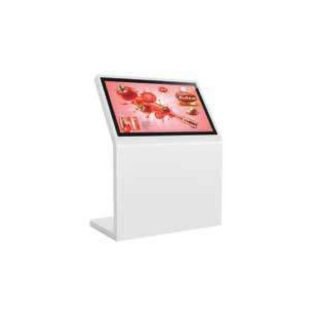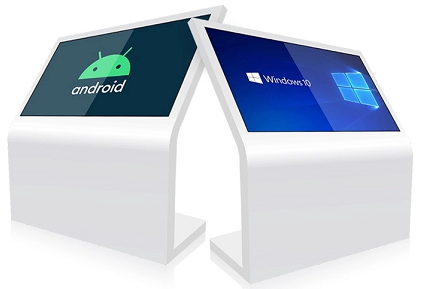
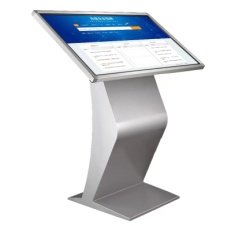
A touchscreen kiosk can help visitors find information, browse products, register or complete a guided task. The touch technology affects appearance, interaction and price.
IR touch
Infrared touch uses a sensor frame around the display. It works well on large screens and supports touch with a finger or compatible object. The visible frame and intended environment should be considered.
PCAP touch
Projected capacitive touch offers the smooth glass-front interaction familiar from phones and tablets. It is a strong choice for premium self-service and frequently used public interfaces.
Design the whole experience
Good kiosk projects also need readable interface design, suitable screen height, accessibility, network access and a plan for support. Qsmart lists touch, processor and memory as selections so you can request the price of the exact combination.
Compare interaction requirements
| Requirement | IR touch | Projected capacitive touch |
|---|---|---|
| Appearance | Check sensor frame and bezel | Check glass and edge design |
| Input method | Confirm finger or object compatibility | Confirm glove and stylus compatibility |
| Environment | Test the proposed location | Test the complete glass and sensor assembly |
A planning example
For a visitor directory, use a short test route with a first-time user. Ask them to choose a language, find a destination and return to the start without assistance. Observe whether the buttons are reachable and the interface responds clearly. If visitors enter personal information, define what is collected, how sessions end and who maintains the application before deployment.
Practical planning checklist
A touchscreen project needs both suitable hardware and a usable interface. Decide what the visitor should accomplish before choosing the touch technology, operating system and enclosure.
User journey
Write the task as a short sequence: start, choose, confirm and finish. Keep controls visible and provide a clear route back. Test Arabic and English layouts where needed, including longer labels and confirmation messages.
Touch technology
Compare IR and projected capacitive touch using the exact glass, software and environment proposed. Ask about gloves or stylus use only if relevant. Avoid assuming that every sensor works through an extra protective layer.
Connected peripherals
List printers, scanners, card readers and cameras separately. Confirm drivers, ports, mounting space and application integration. A touchscreen specification does not establish support for payment or identity systems.
Unattended operation
Agree an automatic restart process and a way for staff to exit the kiosk application securely. Set a timeout that clears a previous visitor’s session. Confirm who maintains the application and operating system after installation.
Questions to confirm before ordering
Is touchscreen hardware enough for a self-service kiosk?
No. You also need the application, compatible peripherals, a network plan where relevant, and a support process. Confirm the scope of each item before comparing quotations.
What is included in installation and support?
Ask for mounting, cabling, delivery, commissioning, software setup and warranty terms to be listed in the quotation. Coverage varies by product and project; confirm the agreed scope before payment.