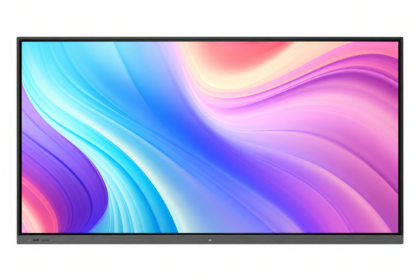
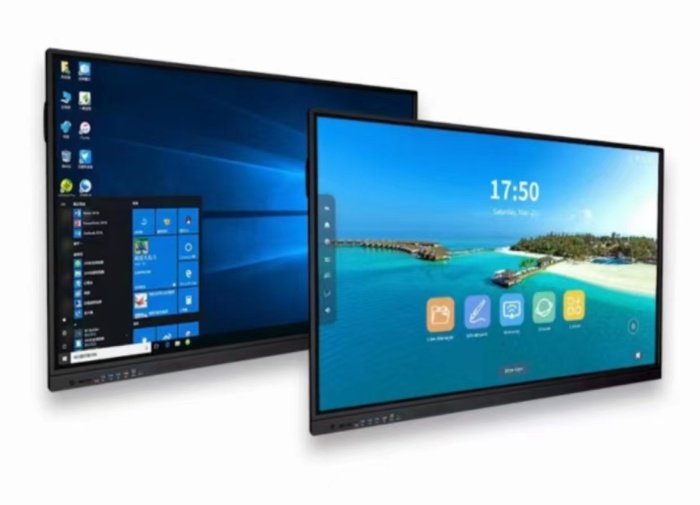
Interactive whiteboards combine a large 4K display, touch input and presentation tools. They can simplify collaboration in meeting rooms, classrooms and training spaces when the hardware matches the way teams actually work.
Key specification choices
Compare screen size, Android configuration, optional Windows computer, touch response, anti-glare treatment, speakers, connectivity and supported casting. Camera and microphone models are useful for hybrid meetings.
Room planning
Choose a size that is readable from the back of the room. Confirm wall strength or select a compatible mobile stand. Plan camera height, microphone coverage, power and network access before installation.
Request the exact configuration
Optional Windows modules, anti-glare surfaces, smart pens, wireless transmitters and mobile stands may be priced separately. Use the Qsmart selectors to match the operating system and hardware, then request the full quotation.
Match the room to the workflow
| Workflow | Check on the display | Check separately |
|---|---|---|
| Presentations | Readability and input switching | Laptop adapters and casting support |
| Collaborative writing | Touch and annotation software | File export and account access |
| Hybrid meetings | Camera and microphone configuration | Conferencing licences and network |
A planning example
For a training room, test a session from start to finish: connect a laptop, present a slide, annotate it and export the notes. Check that the saved file reaches the intended account and that the next user cannot access the previous session. If the screen moves between rooms, repeat the test using the network and power arrangement in each room.
Practical planning checklist
Interactive whiteboards suit presentations, teaching and collaborative work. Start with room dimensions, viewing distance and the applications your team needs to run, then compare touch and computer options.
Room layout
Measure the distance from the display to the furthest seat. Test a typical presentation slide with the smallest text you expect to use. A large panel can still be difficult to read if the layout is crowded or glare falls across the screen.
Applications and devices
List the laptops, conferencing tools and teaching applications that must work. Confirm Android compatibility and whether a separate Windows module or external computer is required. Treat app licences and subscriptions as separate items unless the quotation includes them.
Touch and meetings
Try writing, erasing and moving objects with the intended software. Check whether touch data needs a separate USB cable when using an external laptop. For hybrid meetings, assess camera position, microphone pickup and speakers independently of screen size.
Installation and handover
Confirm wall strength, bracket compatibility and a comfortable writing height. For a mobile stand, check load rating, wheel locks and safe movement between rooms. Ask the installer to demonstrate input switching and the recovery process before handover.
Questions to confirm before ordering
Does an interactive display replace every meeting-room device?
Only if its quoted configuration includes the camera, microphones, computer and software your workflow needs. Check those items individually and test with your actual conferencing platform.
What is included in installation and support?
Ask for mounting, cabling, delivery, commissioning, software setup and warranty terms to be listed in the quotation. Coverage varies by product and project; confirm the agreed scope before payment.